


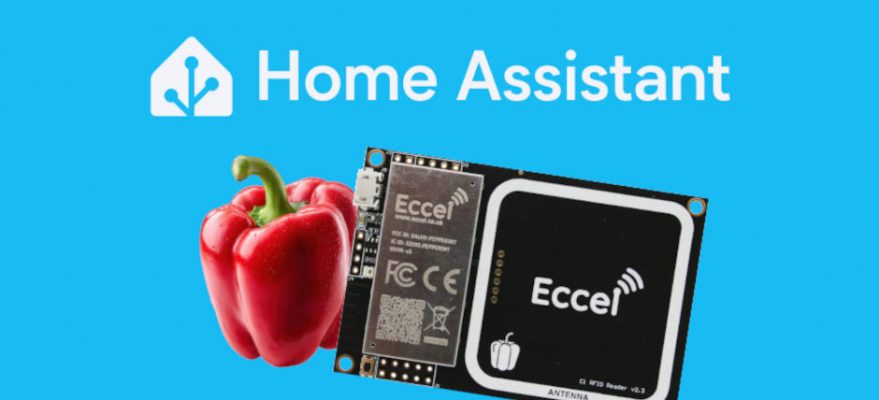
Pepper C1 RFID Reader – Home Assistant Integration Now Available via HACS
We are pleased to announce that the official Home Assistant integration for the Eccel Pepper C1 RFID reader is now available through HACS (Home Assistant Community Store). Install it in minutes directly from the HACS interface – no terminal, no manual file transfers.
The Pepper C1 is Eccel’s compact, high-performance RFID reader module supporting a wide range of tag types over TCP/IP. The new Home Assistant integration makes it straightforward to bring RFID-based access control, presence detection, and asset tracking into your smart home automations.
Requirements: Home Assistant 2024.1 or later · Pepper C1 with TCP interface enabled · HACS installed on your HA instance
Installing via HACS
The integration is listed in the HACS catalogue – no manual repository setup required. Follow these steps to get up and running:
- In Home Assistant, open the HACS panel from the sidebar.
- Go to Integrations and use the search bar – type Eccel.
- Select Eccel C1 RFID Reader from the results and click Download.
- Restart Home Assistant when prompted.
- Go to Settings → Devices & Services → Add Integration, search for Eccel C1, and complete the network setup.
View on GitHub
Pepper C1 Product Page →
Connection Modes
The integration supports two TCP connection modes to suit different network configurations:
Client Mode
Home Assistant connects to the Pepper C1 as a TCP client. The reader must have its TCP server mode enabled. Simply provide the reader’s IP address and port — no port forwarding needed.
HUB Mode
Home Assistant acts as a TCP server, and the reader connects to it. Ideal when the reader is behind NAT or on a separate network segment. Requires exposing the hub port if running Home Assistant in Docker.
For Docker-based Home Assistant installations using HUB mode, expose the port in your docker-compose.yml:
# docker-compose.yml
ports:
  - "8765:8765"   # adjust to the port configured in the integration
Available Entities
Once configured, the integration exposes four entities that can be used in dashboards, automations, and scripts:
| Entity | Type | Description |
|---|---|---|
sensor.pepper_c1_tag_uid | Sensor | UID of the last detected RFID tag (hex format) |
sensor.pepper_c1_tag_count | Sensor | Number of tags currently in range of the reader |
sensor.pepper_c1_firmware | Sensor | Firmware version installed on the reader |
binary_sensor.pepper_c1_tag_present | Binary Sensor | Returns true when a tag is within range |
Example Automation
The example below shows how to unlock a door lock when an authorised RFID card is presented to the reader. The uid attribute on the binary sensor holds the UID of the card in range, making it easy to whitelist specific cards.
automation:
  - alias: "Door – unlock on authorised card scan"
    trigger:
      - platform: state
        entity_id: binary_sensor.pepper_c1_tag_present
        to: "on"
    condition:
      - condition: template
        value_template: >
          {{ state_attr('binary_sensor.pepper_c1_tag_present', 'uid') == 'DEADBEEF1234' }}
    action:
      - service: lock.unlock
        target:
          entity_id: lock.front_door

